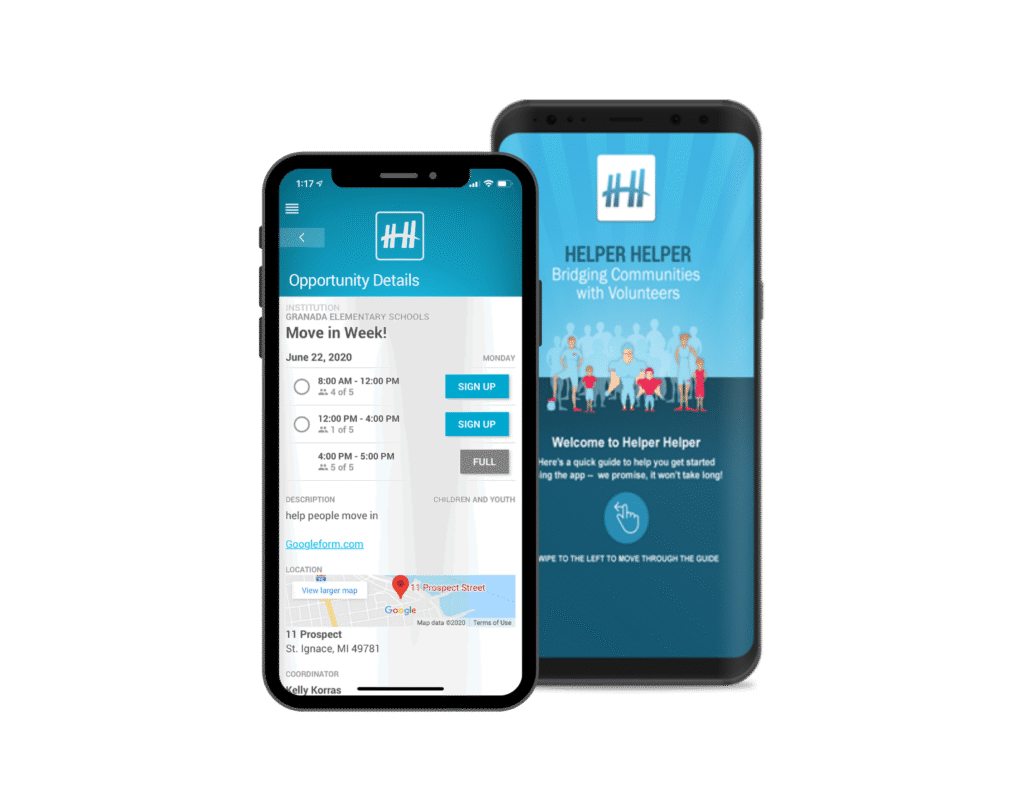
Follow the steps below to download and sign in to the mobile app on your iPhone or Android device:
1. Download the Helper Helper mobile app
iPhone: https://itunes.apple.com/us/app/helper-helper/id670630951
Android: https://play.google.com/store/apps/details?id=us.helperhelper
2. Sign in to the Helper Helper mobile app
Email Address: [Email]
Password: [Password]